Mastering Your Android Phone’s Camera Notch: A Game-Changing Shortcut
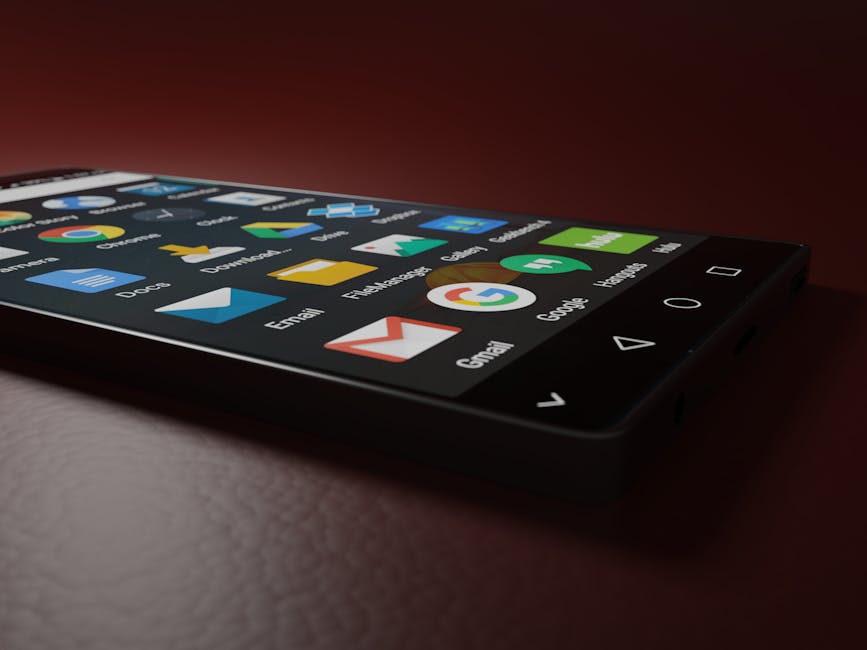
Are you tired of using your Android phone’s camera notch as a mere decorative feature? Think again! With Action Notch, you can transform this seemingly useless space into a powerful shortcut, revolutionizing the way you interact with your device. In this in-depth guide, we’ll delve into the world of camera notch customization and explore the benefits, limitations, and best practices for harnessing its full potential.
What is Action Notch?
Action Notch is a third-party app that allows you to repurpose your phone’s camera notch as a customizable shortcut. This innovative solution enables you to assign actions, such as launching apps, triggering shortcuts, or even controlling other aspects of your device, directly from the notch. With Action Notch, you can say goodbye to cluttered home screens and hello to streamlined productivity.
How Does Action Notch Work?
Action Notch operates by using a combination of Android’s system-level APIs and advanced machine learning algorithms to identify and interpret user interactions with the camera notch. When you tap or swipe on the notch, the app recognizes your intent and triggers the assigned action. This seamless integration ensures that the experience feels intuitive and natural.
Benefits of Using Action Notch
By converting your camera notch into a shortcut hub, you can:
1. Boost productivity: Eliminate the need to navigate through multiple screens or menus by accessing frequently used apps and actions directly from the notch.
2. Save screen real estate: Reserve valuable space on your home screen for more important information, widgets, or app icons.
3. Enhance multitasking: Simplify switching between tasks and apps with the notch’s instant access feature.
4. Personalize your experience: Tailor the actions to your specific needs, making it easier to manage your device according to your habits.
Step-by-Step Guide to Setting Up Action Notch
1. Download and install the Action Notch app from the Google Play Store.
2. Grant necessary permissions: Allow the app access to system-level features, such as notifications and accessibility services.
3. Configure notch settings: Access the app’s settings menu and adjust the notch sensitivity, size, and behavior to your liking.
4. Assign actions: Define which apps, shortcuts, or functions you want to access from the notch.
Customization Options and Limitations
While Action Notch offers a high degree of customization, there are some limitations to consider:
1. Not all phones support it: Unfortunately, not all Android devices are compatible with Action Notch due to hardware or software constraints.
2. Limited action assignment: Currently, you can only assign up to 5 actions per notch, so prioritize your most essential shortcuts.
3. Potential for notch clutter: As the number of assigned actions increases, the notch may become cluttered, diminishing its original purpose.
Real-World Use Cases and Scenarios
To illustrate the potential benefits of Action Notch, let’s explore a few real-world examples:
1. Frequent app launcher: Assign your favorite apps, such as messaging or social media clients, to the notch for instant access.
2. Notification hub: Convert the notch into a notification center by linking it to your device’s system-level notifications.
3. Quick settings: Repurpose the notch as a quick settings panel, allowing you to toggle Wi-Fi, Bluetooth, or other essential features.
Comparison: Action Notch vs. Other Camera Notch Solutions
When evaluating camera notch customization options, consider the following:
1. Action Notch: Offers advanced AI-powered gesture recognition and comprehensive action assignment.
2. Camera Notch: Provides basic customization options but lacks the nuance of Action Notch’s gestures and actions.
3. Other third-party apps: May offer limited functionality or require additional setup.
Practical Tips, Best Practices, and Common Pitfalls
To get the most out of Action Notch:
1. Experiment with gesture settings: Find the perfect balance between sensitivity and accuracy to minimize false triggers.
2. Prioritize actions: Focus on essential shortcuts and reserve the notch for frequently used features.
3. Avoid clutter: Regularly review your assigned actions to ensure the notch remains uncluttered.
Conclusion
Action Notch has revolutionized the way we interact with our Android phones’ camera notches, transforming a previously underutilized feature into a powerful shortcut hub. By following this comprehensive guide and leveraging Action Notch’s advanced features, you can unlock new levels of productivity, customization, and multitasking efficiency. Say goodbye to cluttered home screens and hello to streamlined innovation!
—
Related Content:
- Mastering Your Android Phone’s Camera: Tips, Tricks, and Advanced Techniques
- The Ultimate Guide to Customizing Your Android Device
- Android Productivity Hacks: Boost Efficiency with These Secret Features
By Malik Abualzait
About the Author